


Is Your Salesforce CRM Data Quietly Undermining Your Sales Pipeline?
Salesforce is built to be a revenue engine but when the data inside it is outdated, duplicated, or incomplete, it works against the very outcomes it is supposed to support.
- Lead scores built on stale firmographics.
- Contact records with no phone number or a bounced email.
- Accounts with five variations of the same company name.
The CRM data refresh problem in Salesforce is rarely a system failure. It is a data governance failure, and it compounds over time.
CRM managed services, supported by GenAI-trained analysts, offer a structured way to keep Salesforce data clean, enriched, and operationally useful without pulling internal teams away from their core work.
Why Does Salesforce Data Degrade Even With Active Usage?
Salesforce is used heavily, and that is precisely why data quality erodes. Every integration, import, campaign sync, and manual entry introduces variation. Salesforce does not self-correct, rather it stores what it receives.
A few specific Salesforce-context failure patterns:
- Duplicate Account and Contact records created when lead conversion is not mapped correctly or when multiple users create records independently
- Picklist field inconsistencies where the same industry or region is entered in different formats across records because picklist values were never standardized
- Stale Opportunity data where deal stages, close dates, and contact roles have not been updated, distorting pipeline reporting
- Integration-created orphan records from Marketing Cloud, HubSpot, or third-party data connectors that sync without ownership or proper field mapping
- Missing fields on Leads and Contacts that prevent lead scoring rules and assignment workflows from firing correctly
The downstream effect is significant.
Salesforce reports and dashboards pull from this data. If Account records have inconsistent industry classifications, your segmentation is unreliable. If Contact records have missing job titles, your personalization logic breaks. Data quality is not an admin issue in isolation, rather it is a revenue execution issue.
What Does a Salesforce-Specific CRM Data Health Framework Look Like?
Generic data cleaning processes applied to Salesforce often create new problems. Field dependencies, record types, sharing rules, and validation logic in Salesforce require platform-specific knowledge to navigate correctly.
Salesforce CRM Data Health Checklist:
Activity
Salesforce-Specific Consideration
Duplicate management
Merge Leads, Contacts, and Accounts using Salesforce's native duplicate rules or Data Loader, preserving the correct master record and activity history
Field standardization
Normalize picklist values, custom field entries, and text fields across Account, Contact, Lead, and Opportunity objects
Data validation
Verify email addresses, phone numbers, and company data before they enter active segments or trigger automation
Data append
Add missing Contact fields: direct dials, LinkedIn profiles, job titles, SIC codes, and company size aligned to Salesforce field structure
Lead and Contact enrichment
Enrich records with firmographic and behavioral data that feeds Salesforce lead scoring and assignment rules
Import hygiene
Ensure event lists, campaign responses, and third-party data enter Salesforce through properly mapped templates
Opportunity record maintenance
Update stage, close date, contact roles, and next steps to keep pipeline reporting accurate
Database scrubbing
Flag and archive inactive records that are skewing segment counts and report totals
Each of these touches different Salesforce objects and requires understanding how changes in one object affect related records.
For example, merging duplicate Accounts in Salesforce also affects associated Contacts, Opportunities, and Activity history. A generic deduplication tool does not account for this, but trained analysts working within Salesforce do.
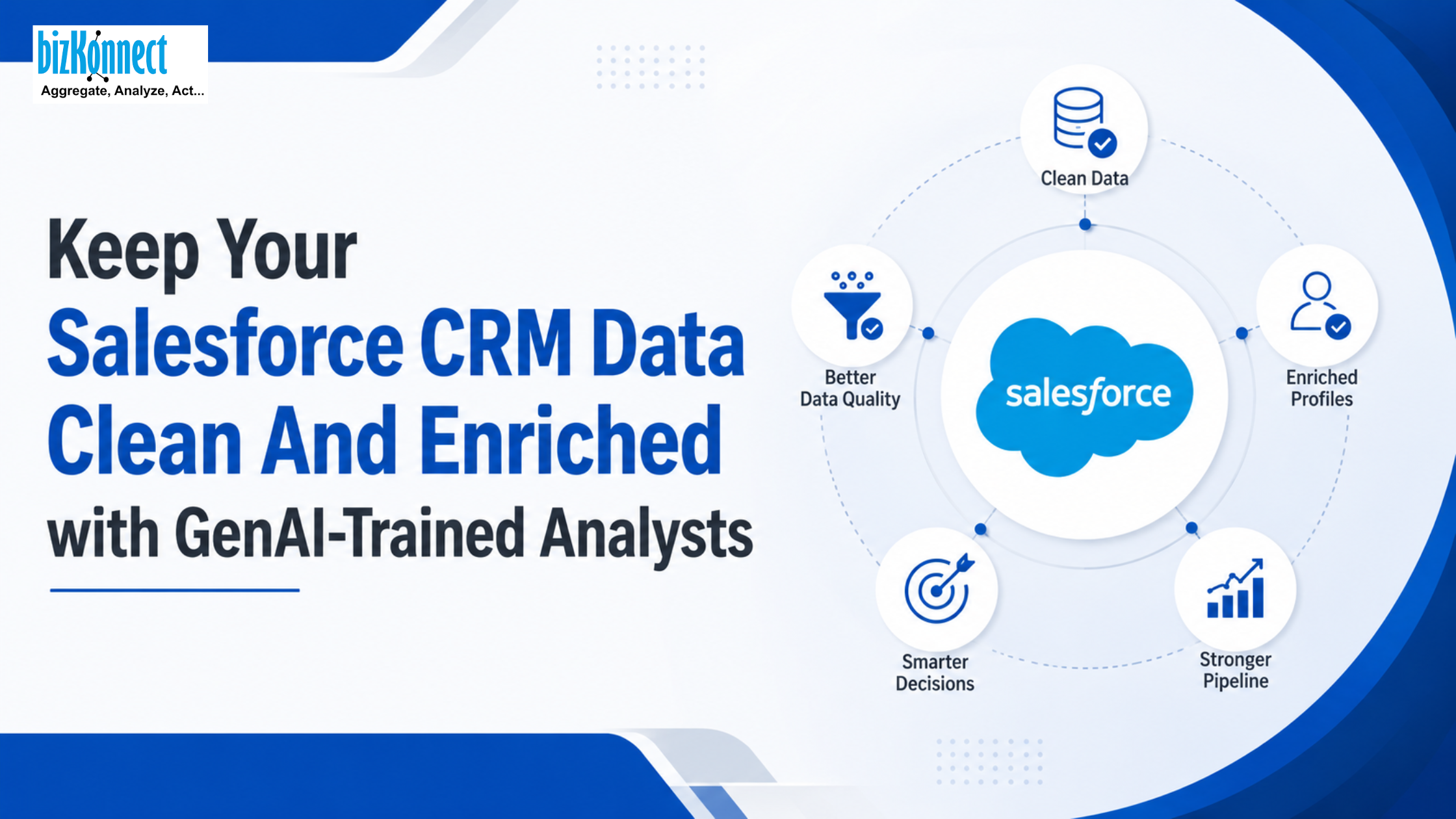
How Do GenAI-Trained Analysts Maintain and Enrich Salesforce Data at Scale?
The traditional approach to Salesforce data maintenance is either reactive (clean it before a big campaign) or understaffed (one admin managing data quality alongside everything else). Neither produces a consistently clean instance.
GenAI-trained analysts work as a virtual extended team, taking on ongoing data assignments that internal teams cannot sustain at pace or precision. In a Salesforce context, this means:
Ongoing data maintenance tasks handled by analysts:
- Regularly updating Contact and Account records with current job titles, emails, phone numbers, and company data sourced through live research
- Processing visiting card data and event attendee lists, formatting and importing them into Salesforce with correct field mapping
- Running pre-campaign verification passes on target segments before email, WhatsApp, or outbound sequences are activated
- Conducting pre-meeting research on Contacts and Accounts to brief sales teams before scheduled conversations using data already in Salesforce
- Managing Lead enrichment workflows: appending missing fields so that Salesforce assignment rules and scoring models have the data they need to function
Where GenAI specifically accelerates the work:
AI-driven CRM data enrichment works by identifying patterns at scale that analysts would take significantly longer to process manually.
GenAI tools can flag likely duplicates across thousands of records, surface Contacts with incomplete profiles, cross-reference company data against external sources, and prioritize enrichment assignments by pipeline value or campaign urgency. Analysts then apply judgment to resolve ambiguous cases, validate outputs, and maintain the integrity of Salesforce's object relationships.
This combination produces enriched Salesforce data that is actually usable.
When Is It Time to Bring in Salesforce CRM Managed Services?
Internal Salesforce administrators are typically focused on configuration, user support, and system maintenance. Ongoing data quality work competes with those responsibilities and usually loses. Managed services step in when the gap between what the data should look like and what it actually looks like starts affecting execution.
Signals that indicate the gap has grown too wide:
- Salesforce reports are producing inconsistent outputs because base record data is unreliable
- Lead scoring and assignment workflows are not triggering correctly due to missing or incorrectly formatted field data
- Outbound campaigns are generating high bounce rates, indicating Contact email data has not been verified recently
- Sales teams are manually checking Contact details before calls because they do not trust what is in Salesforce
- A recent integration with a marketing automation platform or data provider has introduced new records with incomplete field mapping
- An upcoming event, product launch, or campaign requires a large, clean contact list that the current Salesforce data cannot reliably produce
These are operational signals which indicate that Salesforce data is creating friction in the revenue process rather than supporting it.
Frequently Asked Questions (FAQs)
Q1. Why does Salesforce not prevent data quality problems automatically?
Salesforce enforces validation rules and duplicate alerts only when they are configured. Without intentional setup and ongoing governance, the system accepts whatever is entered or synced. Prevention requires design; correction requires ongoing effort.
Q2. What is the right cadence for Salesforce data enrichment?
Active outbound databases benefit from monthly enrichment passes on high-priority segments. Full-instance audits covering all objects are typically done quarterly. The right cadence depends on outreach volume and how frequently your target contacts change roles.
Q3. Can managed service analysts work directly inside our Salesforce instance?
Yes. Analysts can work within your Salesforce org using Data Loader or direct record editing, or they can deliver clean, formatted data for your admin to import. The access model depends on your internal security and governance requirements.
Salesforce is only as effective as the data it holds. A well-configured instance with poor data quality produces unreliable reports, broken automation, and missed pipeline targets. Keeping that data clean, enriched, and current is not optional, it is the operational baseline for everything built on top of it.
If your team is ready to close the gap between what Salesforce should contain and what it actually does, CLICK HERE to connect with BizKonnect and put their GenAI-trained analysts to work on your Salesforce data.
CLICK HERE to know more with BizKonnect.